Discover the right deck
Start with recommendations, then use search and tags to narrow the catalog.
 Wordka
Vocabulary learning, built around your path
Discover a learning deck, bring your own vocabulary, set a goal, and build a focused routine with Wordka.
Store links will be available at launch.
Explore the Wordka journalDiscover a deck · bring your own material · begin today’s learning

Wordka
Start with recommendations, then use search and tags to narrow the catalog.
Prepare JSON or CSV vocabulary files, or scan a photo with on-device text recognition.
Choose a current level, target, and timeline for a clearer next step.
Connect cards, priority review, sentence context, and quiz practice.
Recorded app screens
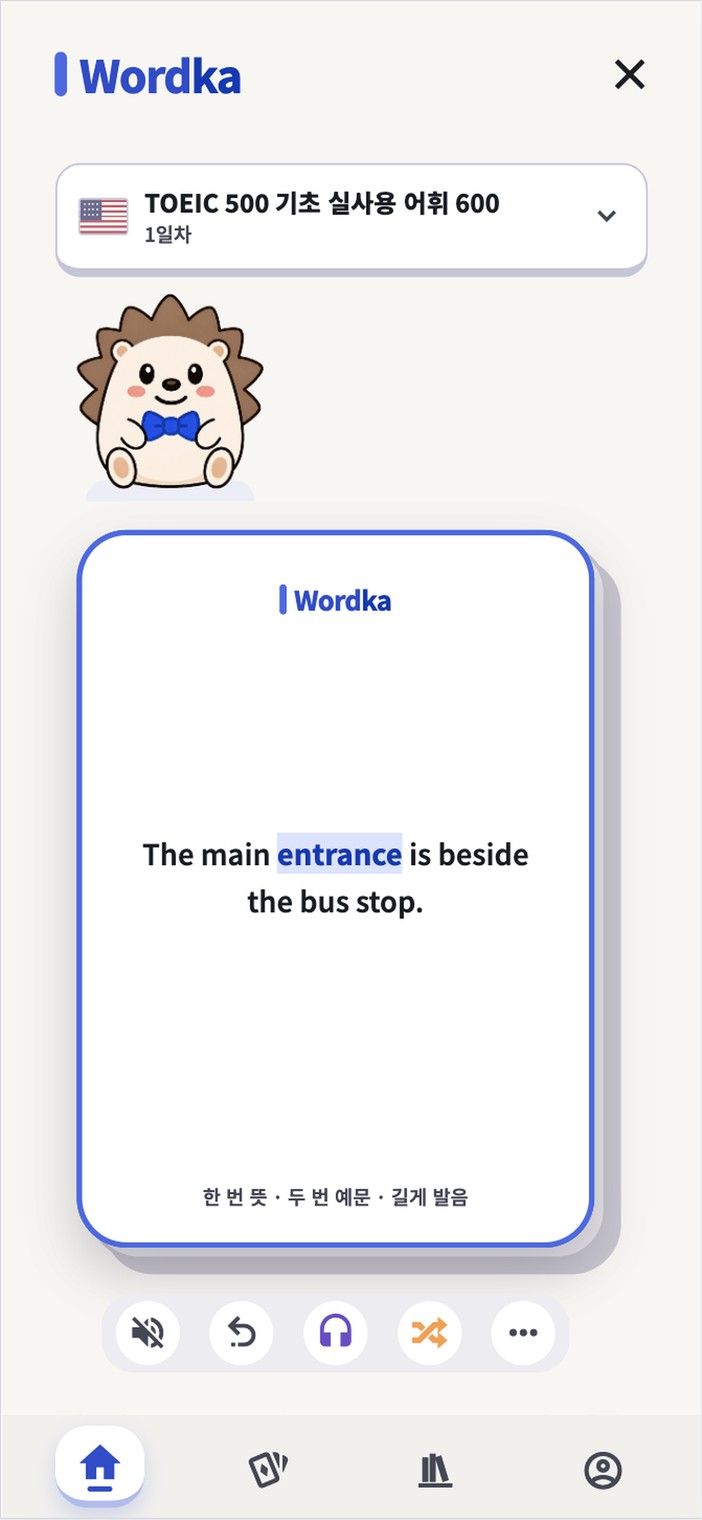
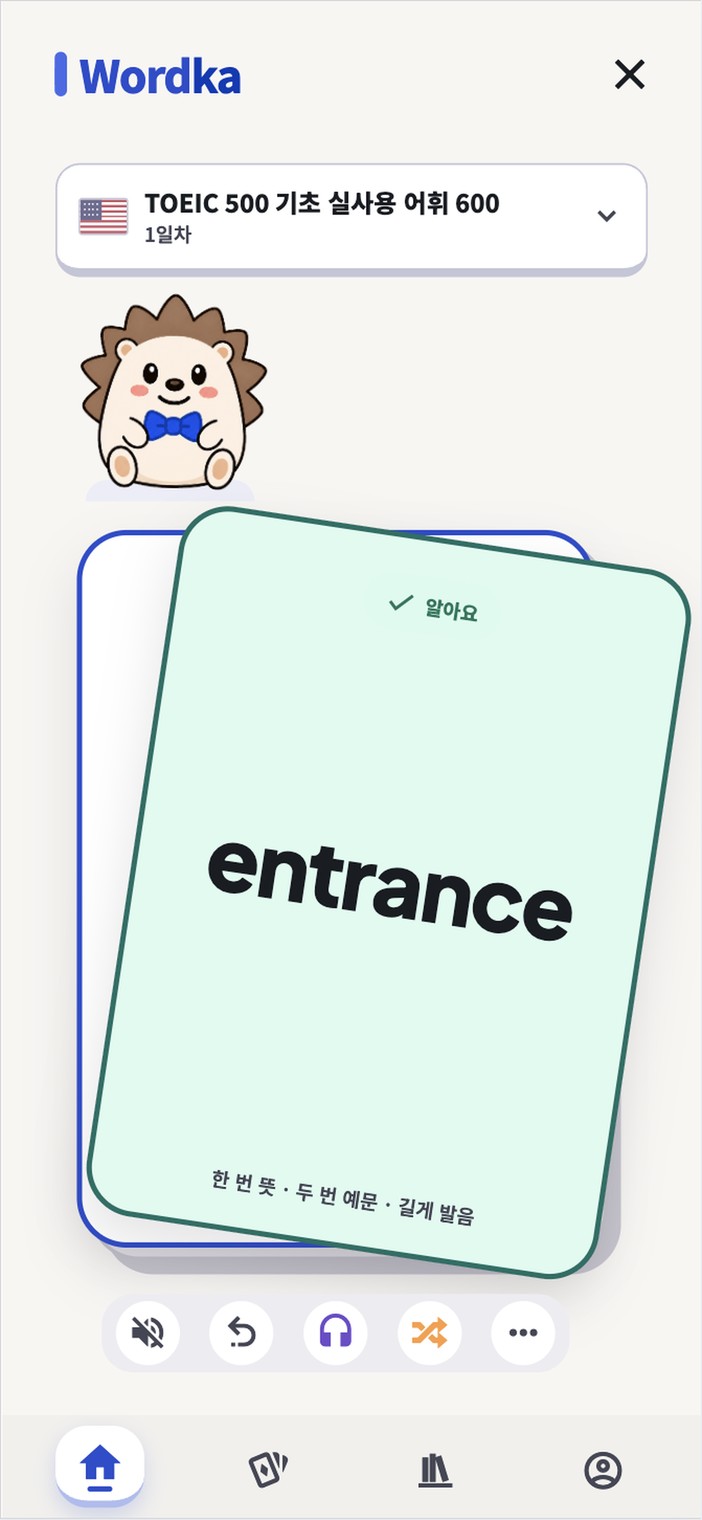
Captured from the current iPhone build: focused cards, sentence context, a pair-matching challenge, and a goal-led study plan.
Choose a deck and learning range, then reveal an example, meaning, or pronunciation as you study.
Move through contextual sentences and see the learning word highlighted inside the text.
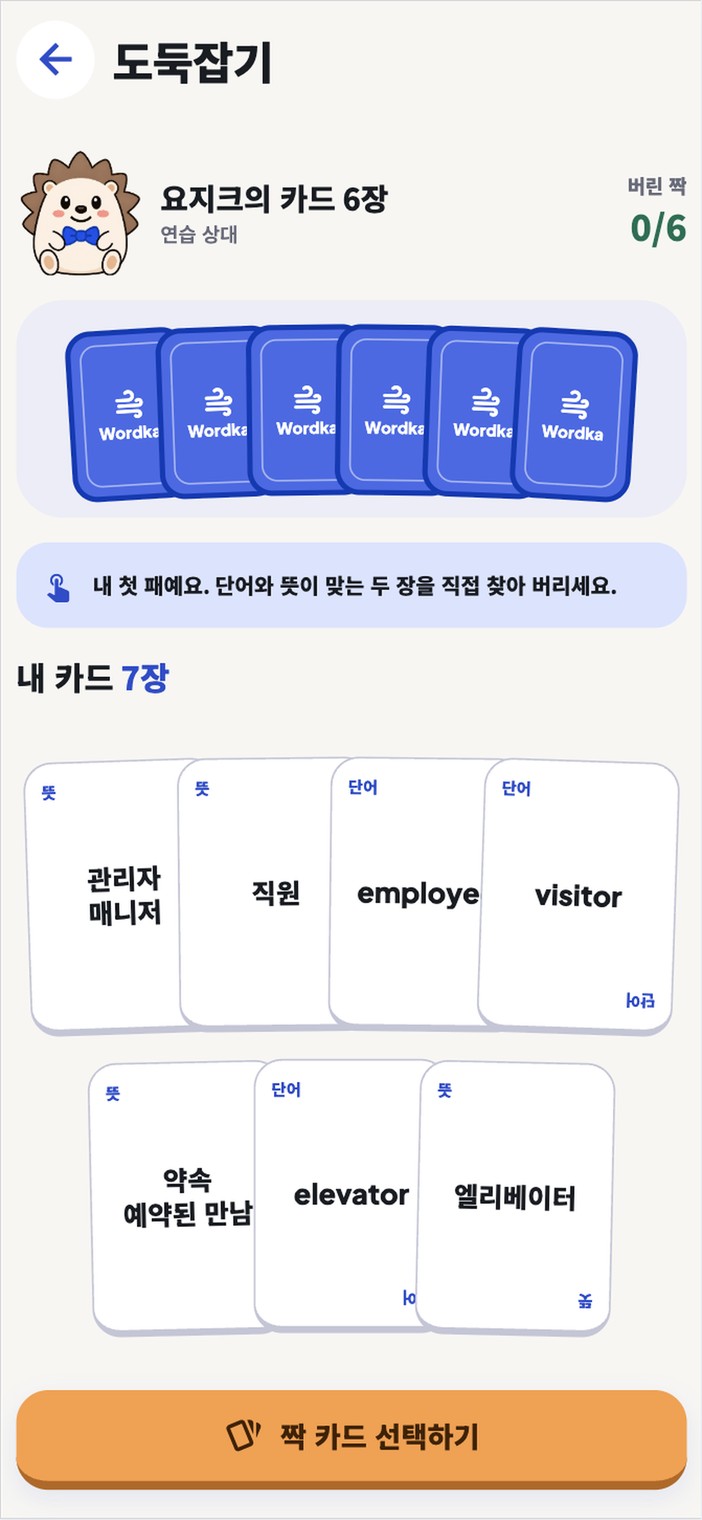
Match word and meaning cards in a short challenge when you want to check recall.
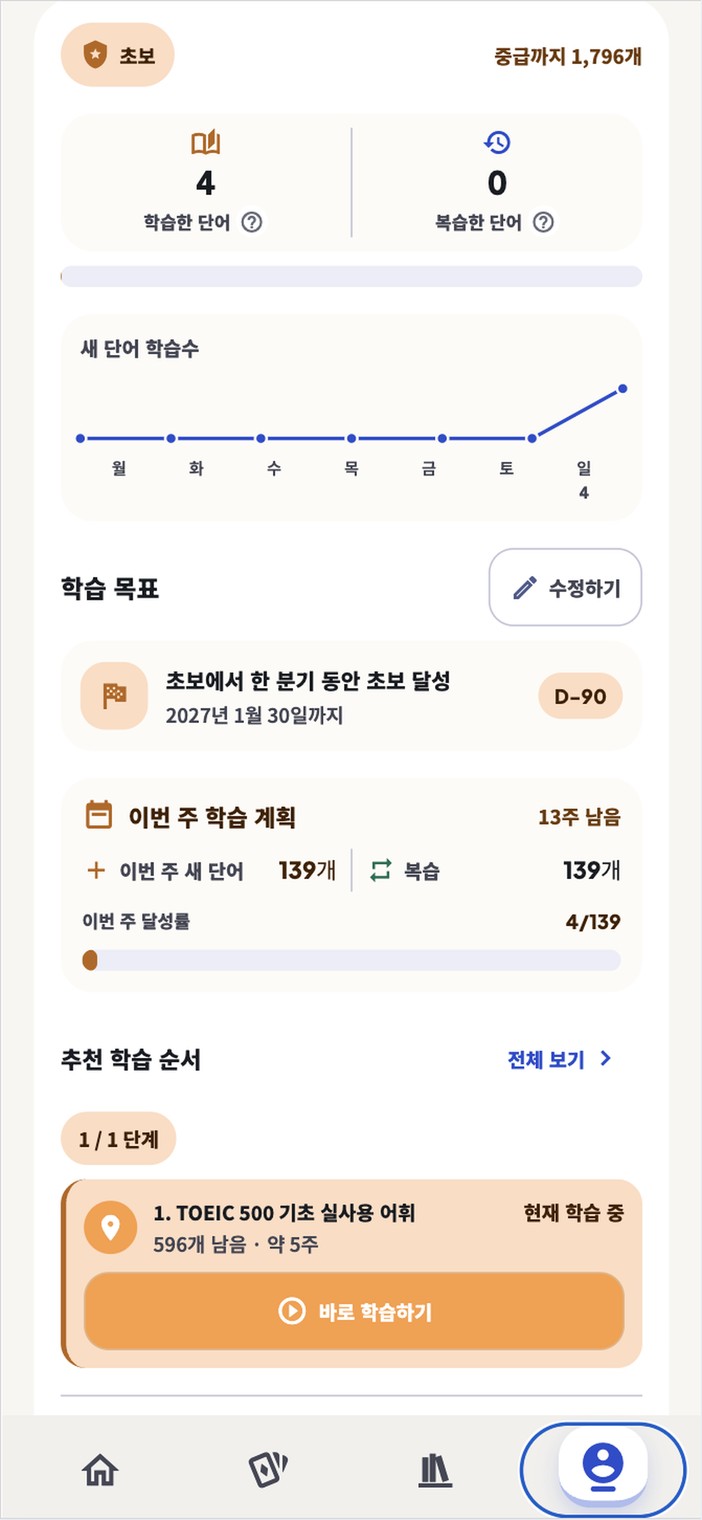
Track your level, target date, new-word plan, review plan, and weekly progress in one place.
How it works
Use recommendations, search, tags, files, or a scanned image.
Add a deck to your learning list and choose a Daily or another scope.
Study cards, review by priority, read in context, and test recall.
Why Wordka
Wordka combines guided public decks with a personal-word workflow and an on-device scan option.
FAQ
Wordka supports JSON and CSV preparation plus on-device image scanning. The current flow validates and previews material before its final storage connection.
Subscription access and cloud-sync foundations exist, but public pricing and the final backup experience are not yet published.
Wordka
Store links will be available at launch.